About organizations
An organization in data.world represents a structure that mirrors your company’s departments or business units. Each organization provides an isolated space to manage users, resources, and configurations specific to that group.
Organization administrators can control and manage:
Members of the organization
Collections of resources
Organization-level connections to external sources
Datasets
Projects
Business Glossary
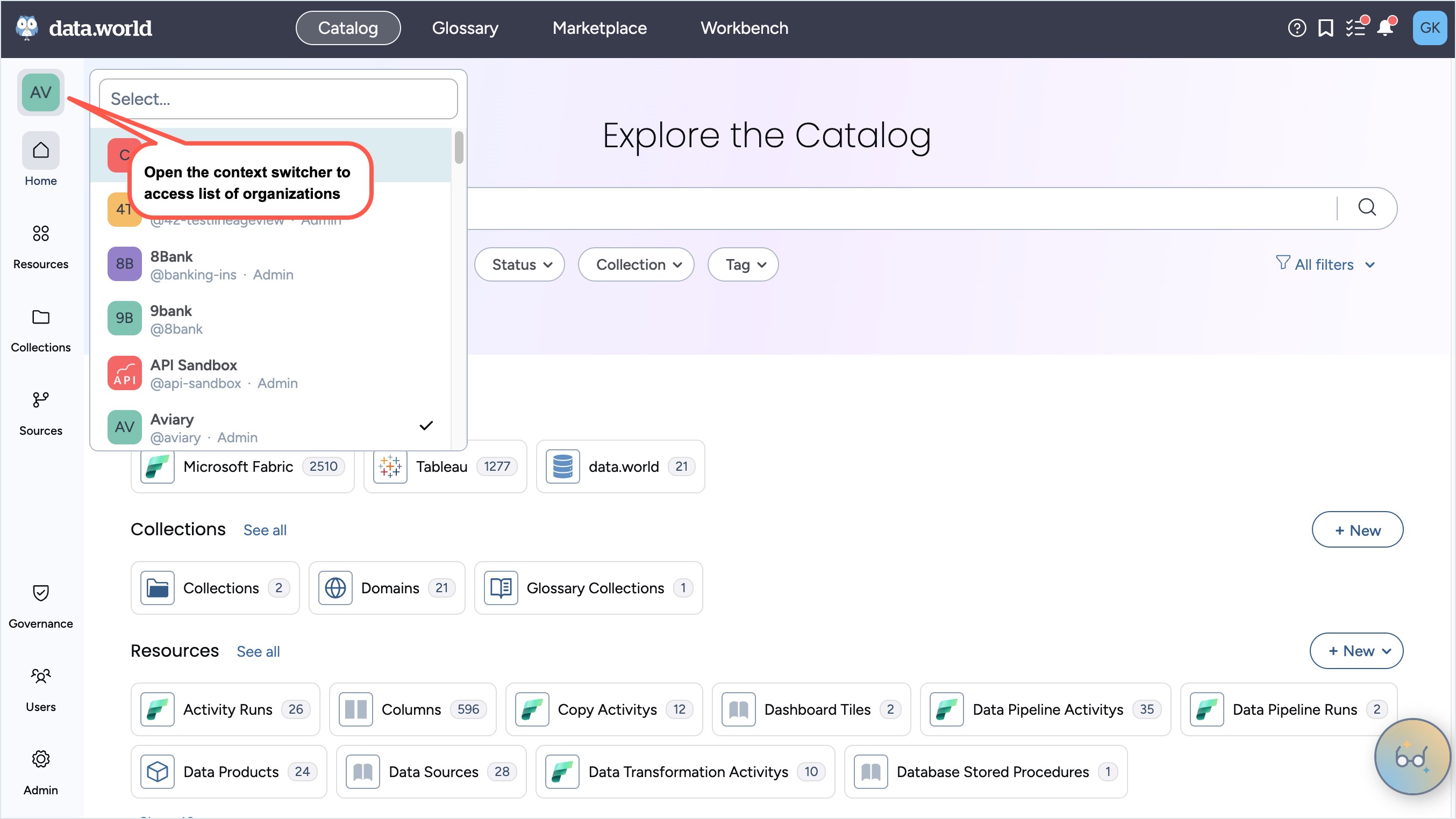
Within each of the platform’s four experiences—Catalog, Glossary, Marketplace, and Workbench—the Organizations icon appears in the Left Sidebar. This icon gives you access to the organizations you belong to, allowing you to explore and manage content such as data, metadata resources, glossary terms, and data products.
Most users primarily work within the Main organization, but depending on your permissions, you may have access to multiple organizations.
The Organizations list displays each organization’s avatar, descriptive name, and username. An indicator to the right of each name shows whether you have Admin access to that organization.
Each experience includes its own Organization home page and provides access to specific features relevant to that experience:
The Catalog experience serves as the main administrative space for managing collections, catalog resources, users and groups, admin settings, metadata collectors, and governance automations.
The Glossary experience focuses exclusively on managing glossary terms.
The Workbench experience is dedicated to managing datasets and projects.
The Marketplace experience offers a curated environment for catalog end users to browse domains and data products.