Reviewing relationships
View how asset types connect to each other. The portal lists one row for each relationship presentation, as configured in catalog config.
In the Migration Portal, select the organization that you want to review.
In the left navigation, select Relationships.
The table lists each presentation with its Relationship, Source type, Target type, Origin, and Module.
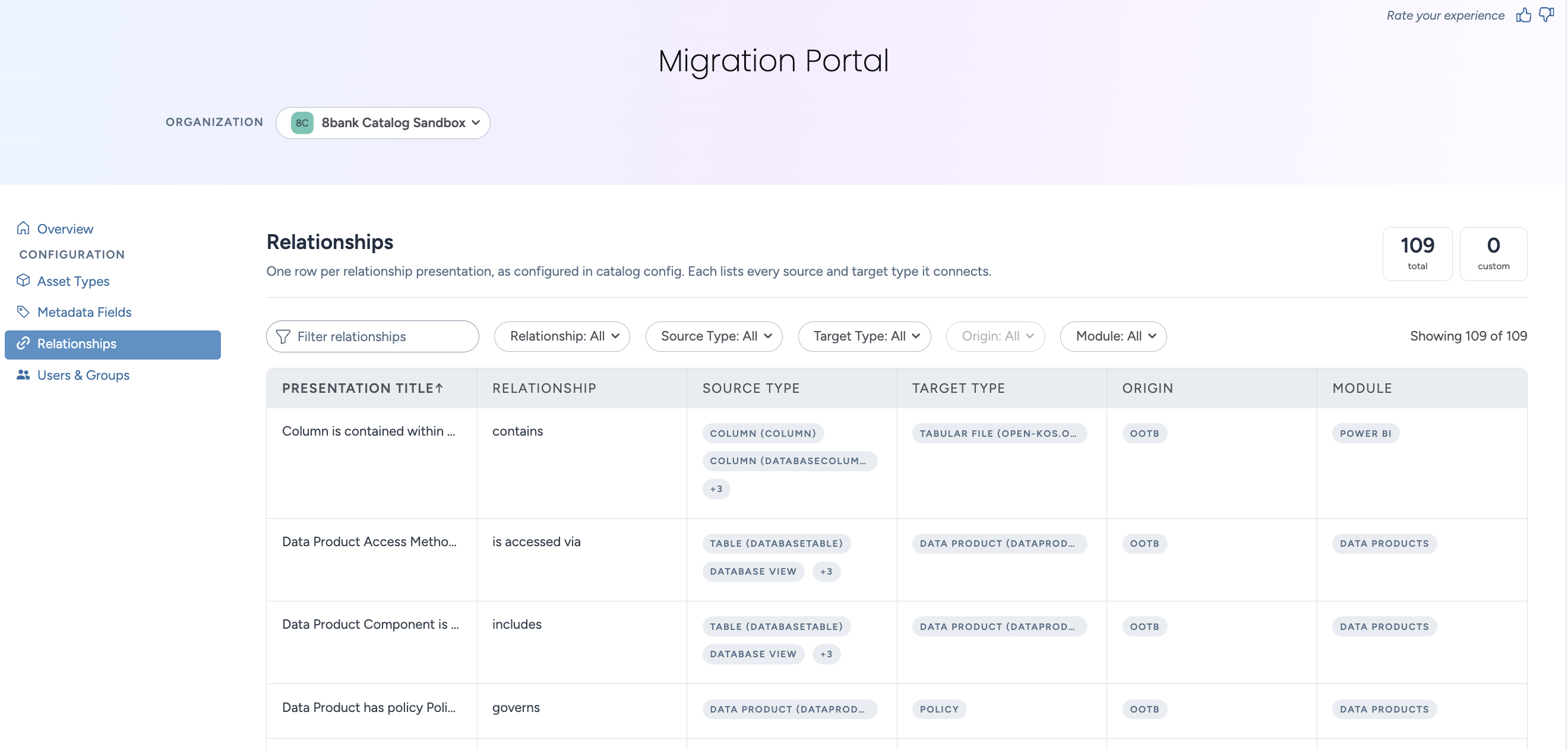
Filter the list.
Enter text in the filter box to find a presentation by title.
Relationships: Select a relationship type.
Source Type: Select the types that the relationship starts from.
Target Type: Select the types that the relationship points to.
Origin: Select Custom to see the presentations that you configured yourself.
Module: Select one or more modules.
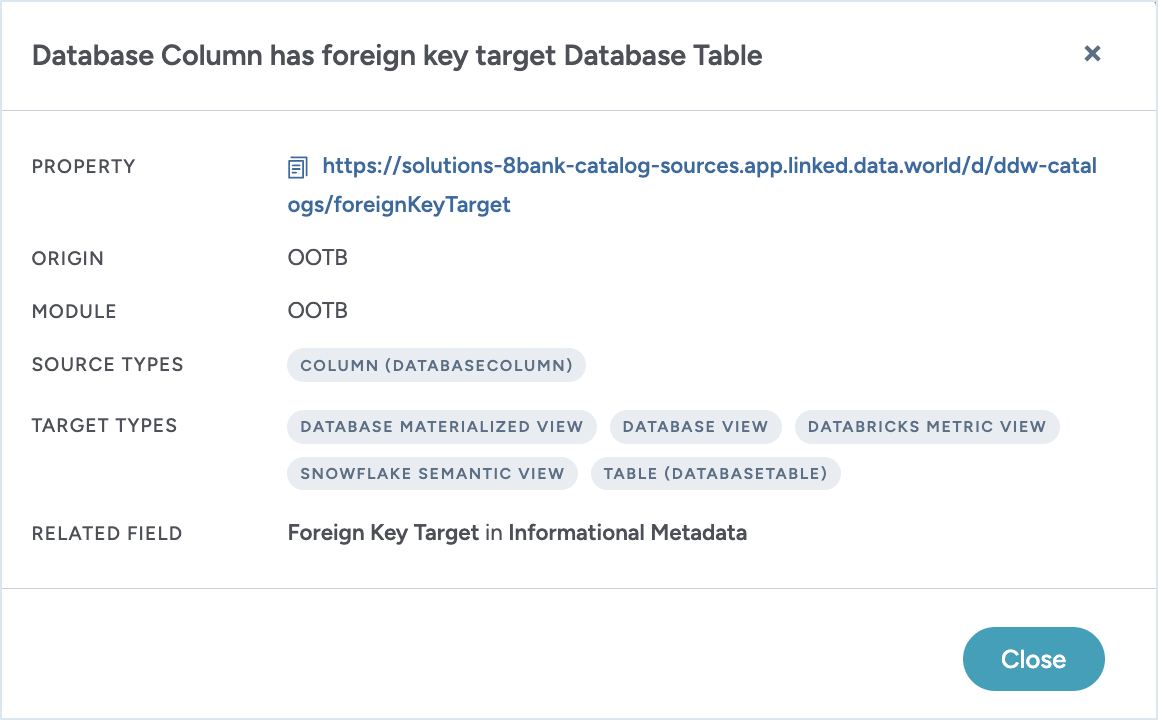
Select a row to open the details for that presentation.
The details view shows the property IRI, origin, module, and every source type and target type that the presentation connects.