Accessing the Migration Portal
Important
You must be an organization admin in the data-catalog-team organization to open the Migration Portal.
To open the Migration Portal:
Sign in to data.world.
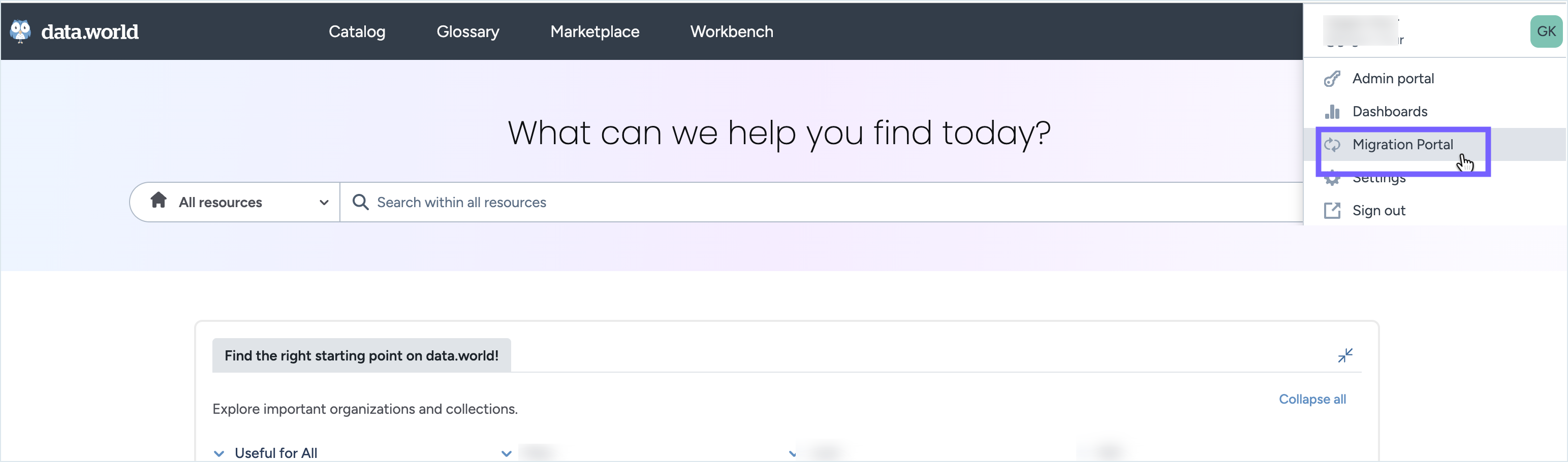
Select your profile, and then select Migration Portal.
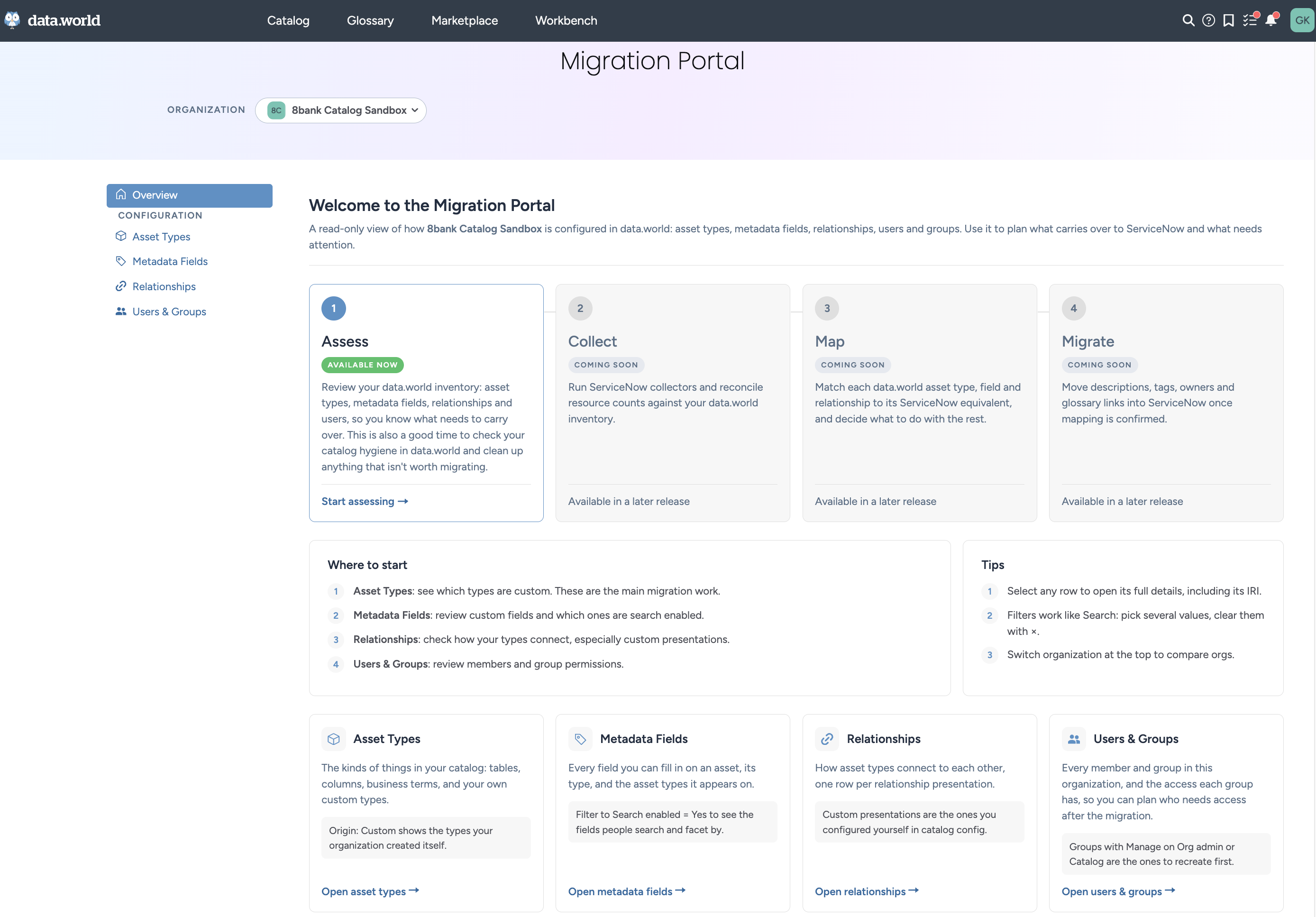
The portal opens on the Overview page. Use the left navigation to open Asset Types, Metadata Fields, Relationships, or Users & Groups.
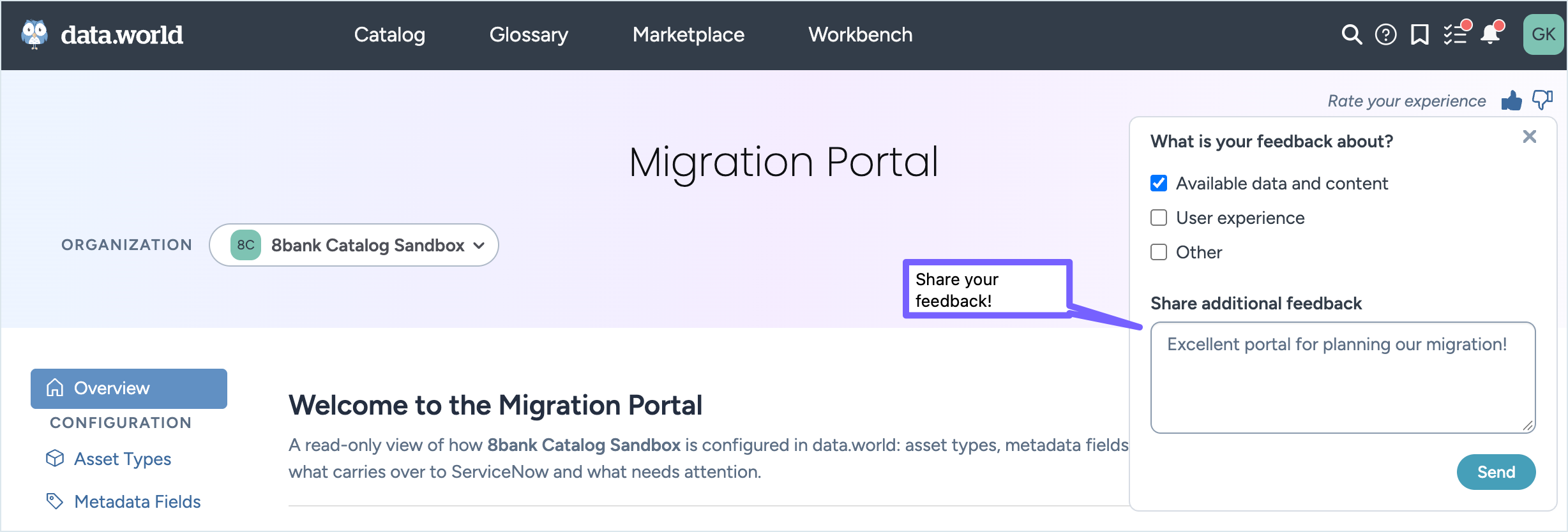
Use the Feedback form in the Migration portal to tell the team what’s working and what isn’t. Rate your experience with the
 Thumbs-up or Thumbs-down buttons, and add any comments you have.
Before you review your data for the first time, sync your MDP modules. For more information, see Syncing MDP modules before first use.