Reviewing metadata fields
View every metadata field in your organization, its type, and the asset types that it applies to.
To review metadata fields:
In the Migration Portal, select the organization that you want to review.
In the left navigation, select Metadata Fields.
The table lists each field with its Field type, Origin, Module, Asset type, Section, and Search enabled values.
The page also shows the total number of fields, how many are custom, and how many sections there are.
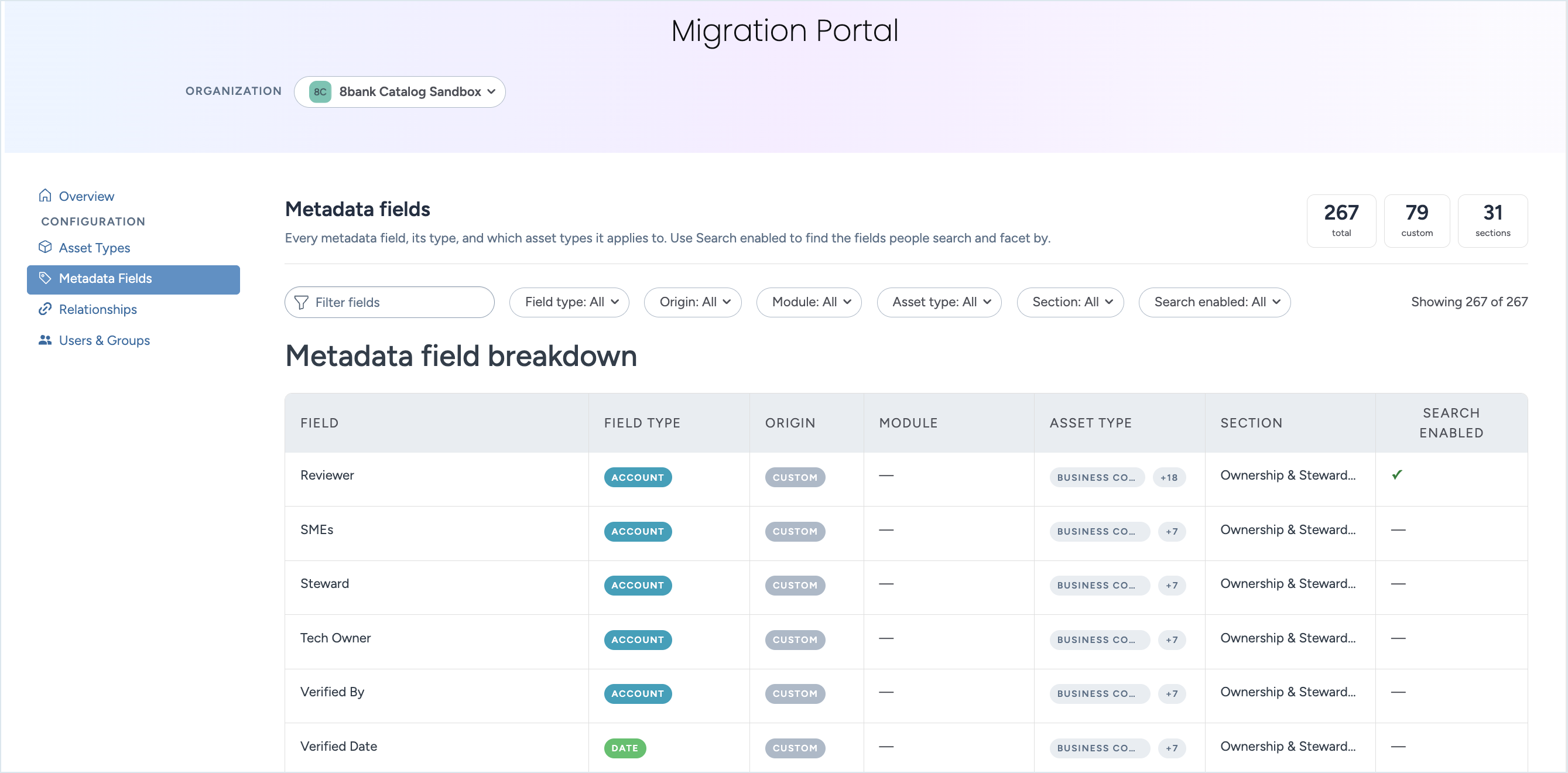
Filter the list.
Enter text in the filter box to find a field by name.
Field type: Select the field types you want.
Origin: Select Custom to see only the fields that your organization created.
Module: Select one or more modules.
Asset type: Select one or more asset types to see only their fields. For example, select a custom asset type to see its fields.
Section: Select the section the field appears in on the resource page.
Search enabled: Select Yes to see the fields that people search and facet by.
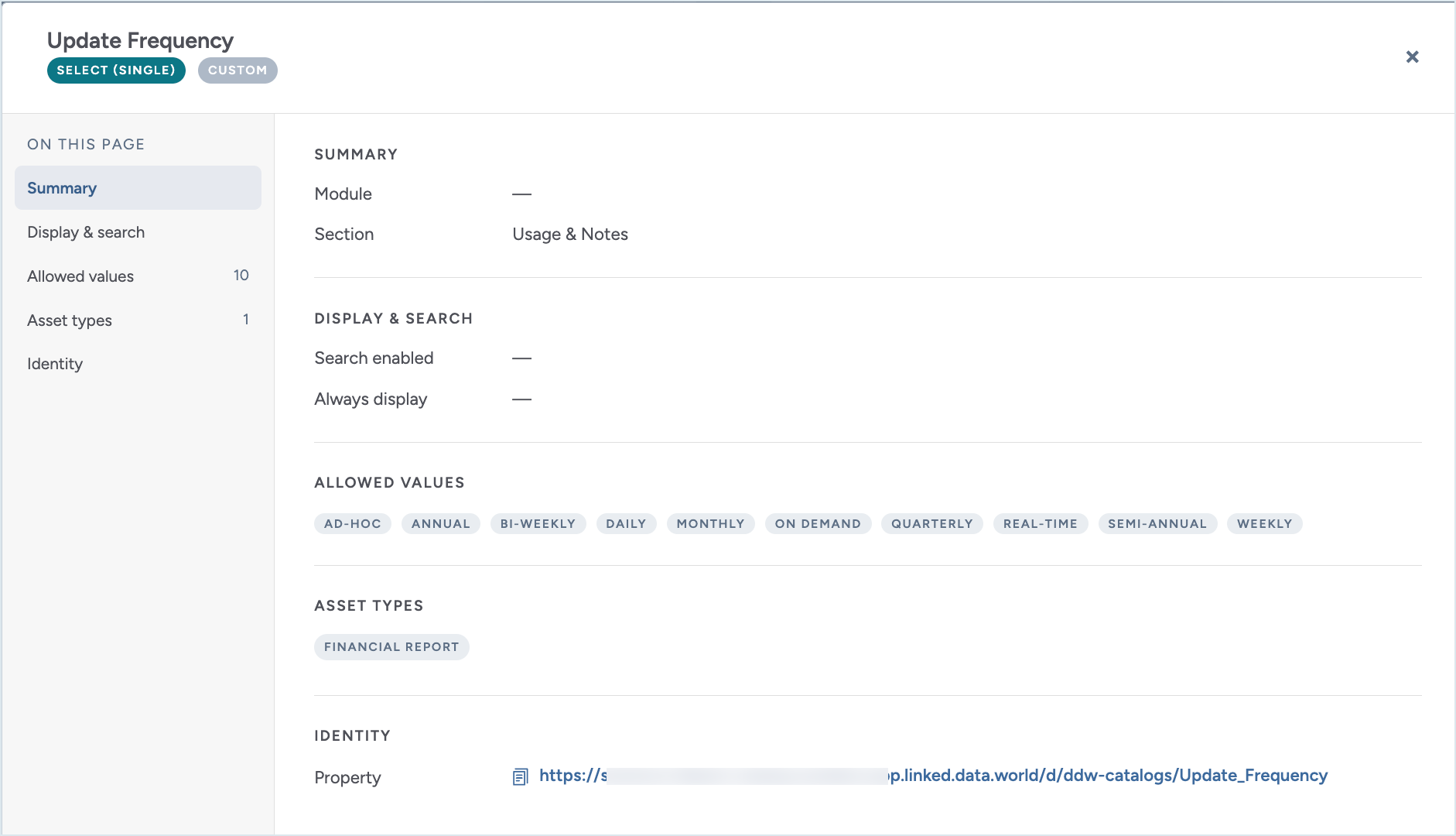
Select a row to open the details for that field. The details view shows the field's section, field type, property IRI, origin, the asset types that it applies to, whether it is inherited by other fields, and its search enabled and always display settings.